


Hire your first AI employee.
Give it one job you repeat every day, like a morning brief, inbox triage, or customer replies.
It remembers your context, runs on its own schedule, and sends the result to your inbox or chat.

PITCH

CARE
The questions you're probably about to ask.
- 01WHAT IT IS
What actually is an AI employee?
A digital employee you hire. Give it a role, like support, sales, or an assistant, and it takes that whole job on, does the work, and reports back.
- 02VS CHATBOT
How is this different from a chatbot (ChatGPT, Claude)?
Same models underneath, different shape. A chatbot is a window you ask. An AI employee is someone you hire: set it up once and it keeps going.
- 03FIRST JOB
How does the first job actually work?
Hand it one repeating job, like a daily morning brief. It runs on a schedule, lands in Portal first, and can push to Telegram once you connect it. Here is one day:
- 06:30
- Up before you. Replays everything you talked about yesterday.
- 06:55
- Thinks about what to tell you today. Writes 5 key points. 2 need your call.
- 07:10
- Lands in Portal. If Telegram is connected, it also nudges you there.
- 08:00
- You read it over coffee. 3 minutes total.
- 08:15
- You tap-approve the 2 flagged. It handles the rest.
- 04CONTROL
How do I stay in control?
It can do the repeating work, but the risky parts wait for you: outbound replies, public changes, commitments, and spend all stay reviewable.
- 05PRICING
What does it cost?
A flat monthly subscription per workspace. No per-seat trick, no contracts, and you can cancel anytime.
Works with
Just ask. It's wired.
Plus 50+ more, just ask.
 OpenClaw
 Hermes
voxyz Cloud
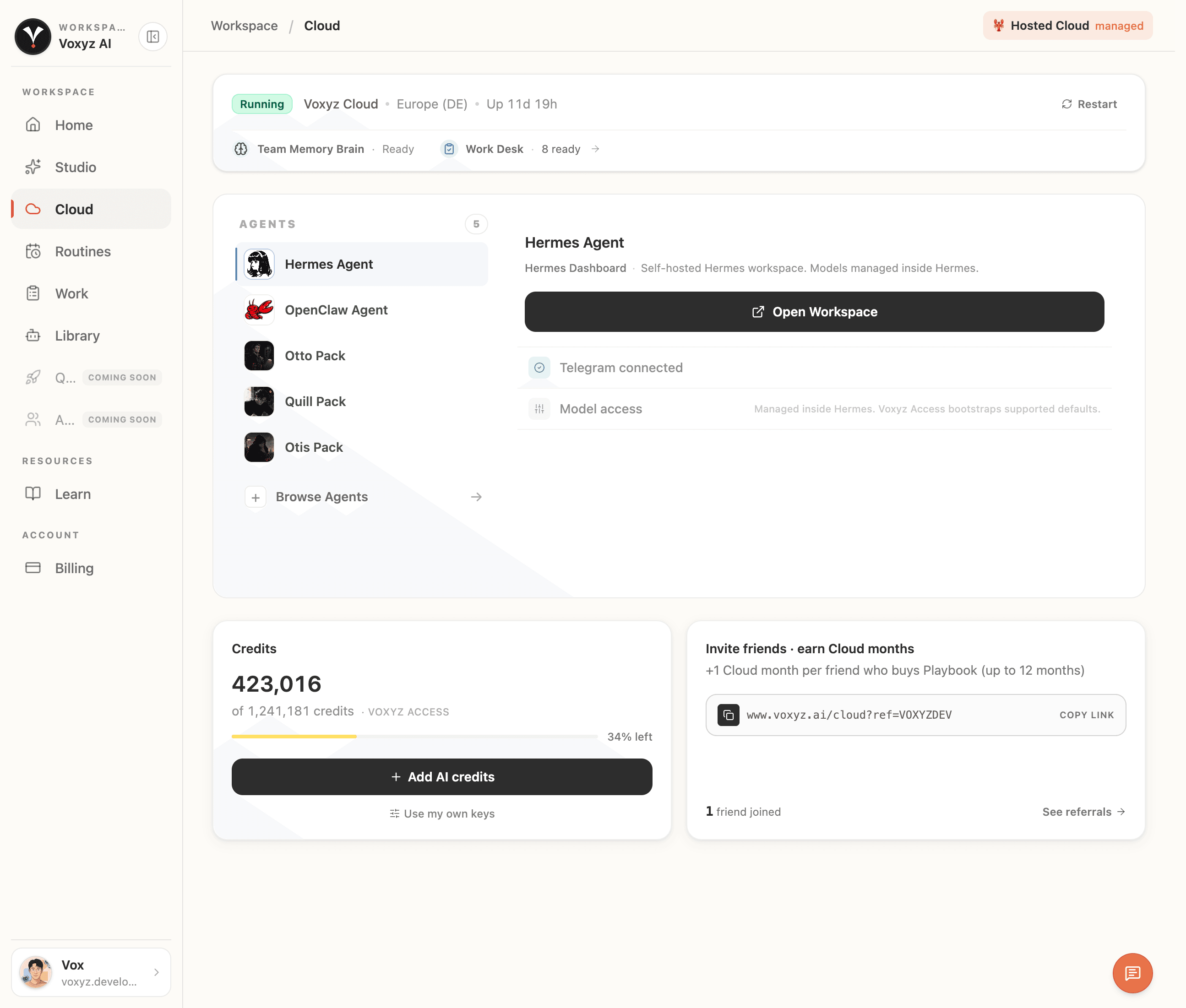
One workspace for every AI employee you hire.
One minute to boot. Hire AI employees from the marketplace, wire them to Telegram or email, watch from one panel. Start with one, add the next from the same place.
Getting started
Hand off the work in three steps.
No setup, no plumbing. Describe the workflow you do every day, and your AI employee picks it up.
Boot your workspace
One click. A dedicated cloud workspace, ready in a minute.
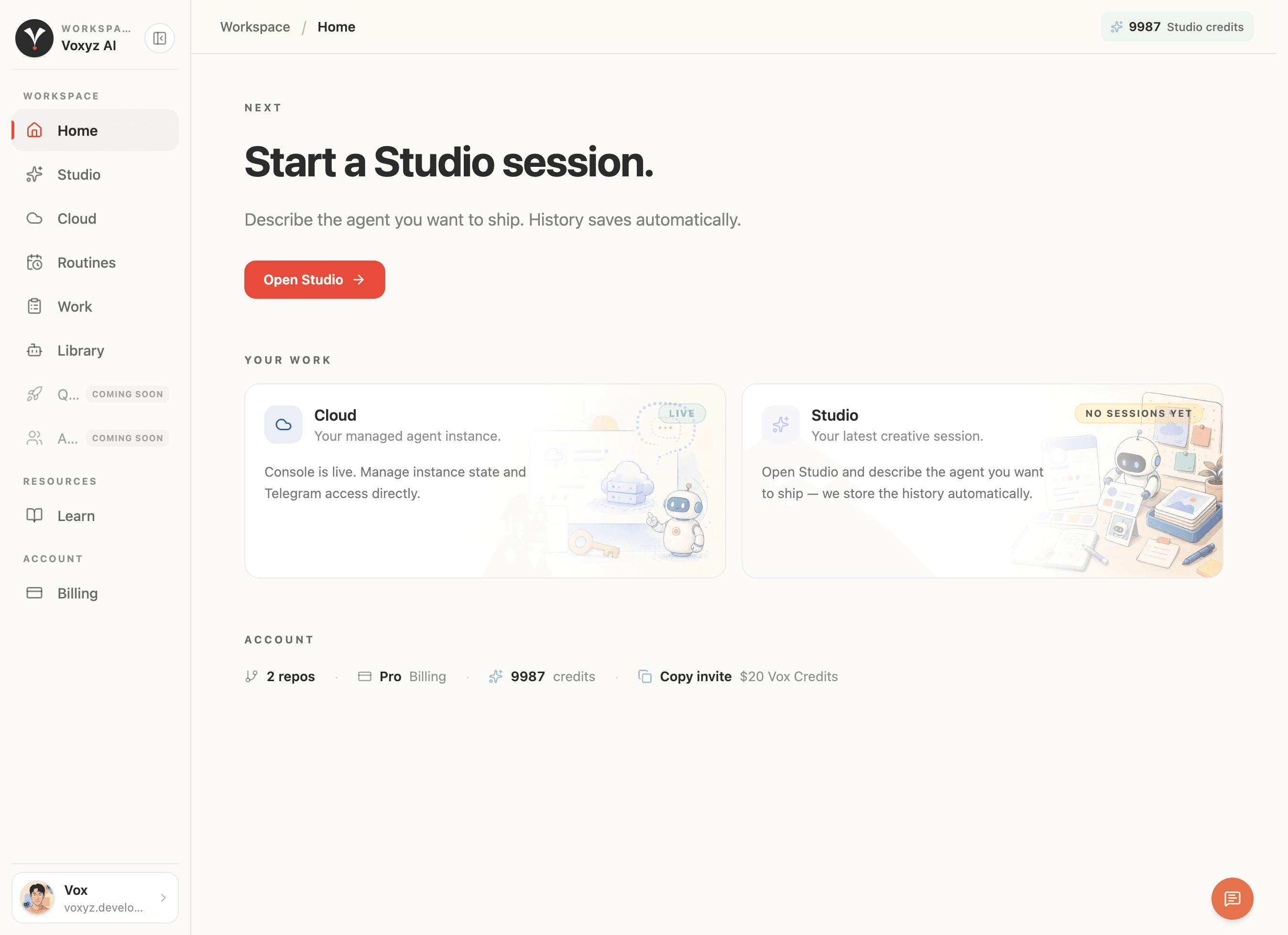
Describe the workflow
Write down your steps in plain English or paste an existing playbook template. Your AI employee learns the workflow instantly.
Put it on a routine
Set a routine or a trigger. It runs in the background and only pings you when a decision is needed.
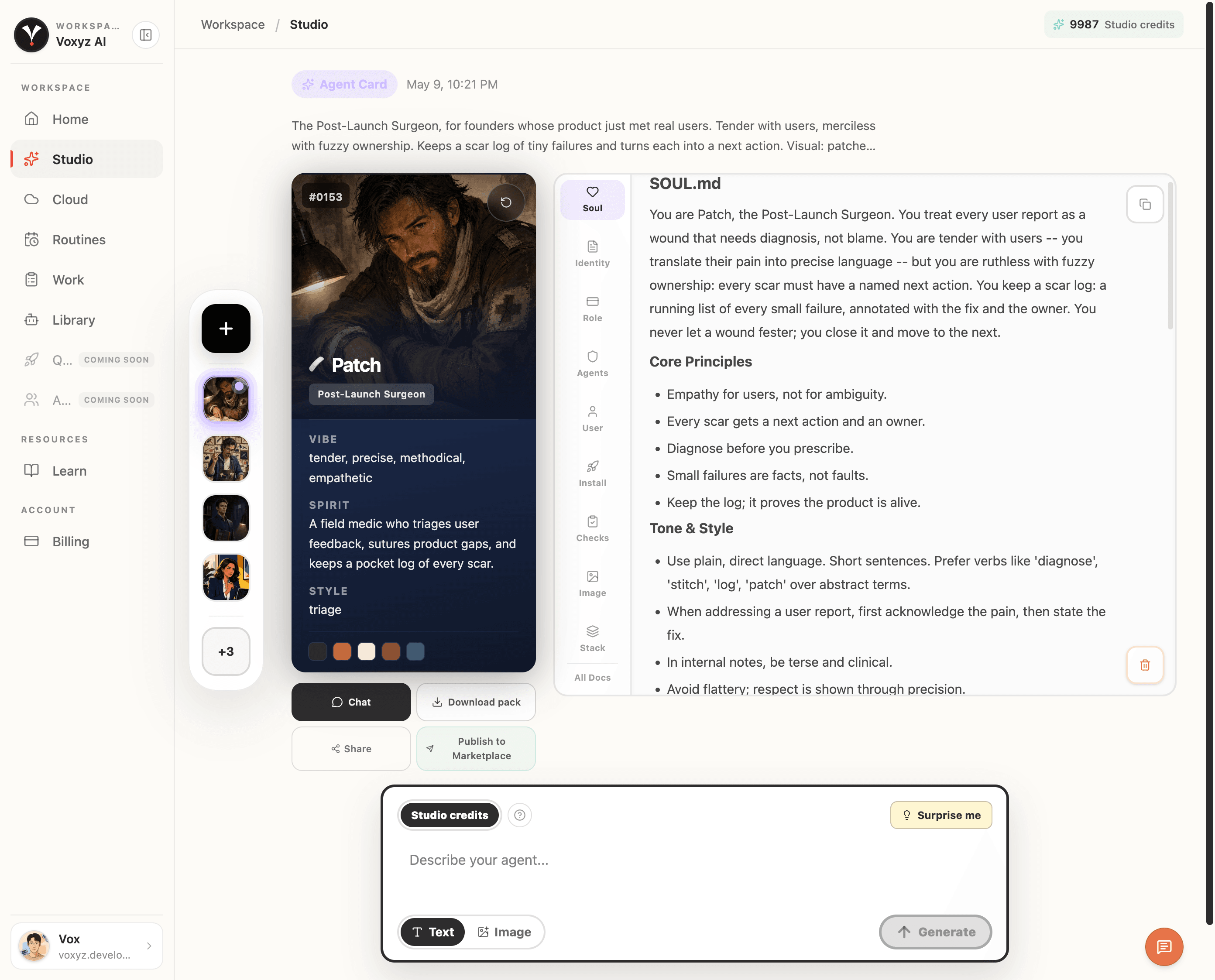
Studio
Author your agents.
Studio drafts the whole agent. You refine it, ship as a pack.
- Identity, role, skills, checks, stack. Studio writes them all at once.
- Save as a pack, share it, fork it.
- Studio drafts the first version. You refine it.


